

Close Menu

    Subscribe to Updates

    Get the latest creative news from FooBar about art, design and business.

    What's Hot

    Mario & Zelda Legend Shigeru Miyamoto Ruthlessly ROASTS His Own Child For Failing At Mario 64: “Does This Kid Have Any Brains?”

    December 22, 2024

    Asmongold Predicts Career-Ending Fallout for Haliey Welch Following Disturbing “Hawk Tuah” Coin Controversy

    December 22, 2024

    Once Obscure Marvel Charcter Jeff the Land Shark To Join Marvel Rivals

    December 21, 2024
    Facebook X (Twitter) Instagram
    Subscribe
    GamiuxGamiux
    Facebook X (Twitter) Instagram YouTube
    • Home
    • Entertainment
      • Kick
      • Twitch
      • Youtube
    • Gaming
    • eSports
    GamiuxGamiux
    Home ยป Play Fortnite Anywhere: How to Use GeForce NOW Cloud Gaming Service
    Fortnite

    Play Fortnite Anywhere: How to Use GeForce NOW Cloud Gaming Service

    Cecil SalesBy Cecil SalesJune 20, 2023Updated:June 20, 2023No Comments3 Mins Read
    Facebook Twitter Pinterest LinkedIn Reddit WhatsApp Email
    Share
    Facebook Twitter Pinterest Reddit WhatsApp Email

    Fortnite is a game that has gotten the attention of millions of people all over the world, and for good reason. The game has a unique mix of survival, strategy, and fighting that keeps people interested for hours.

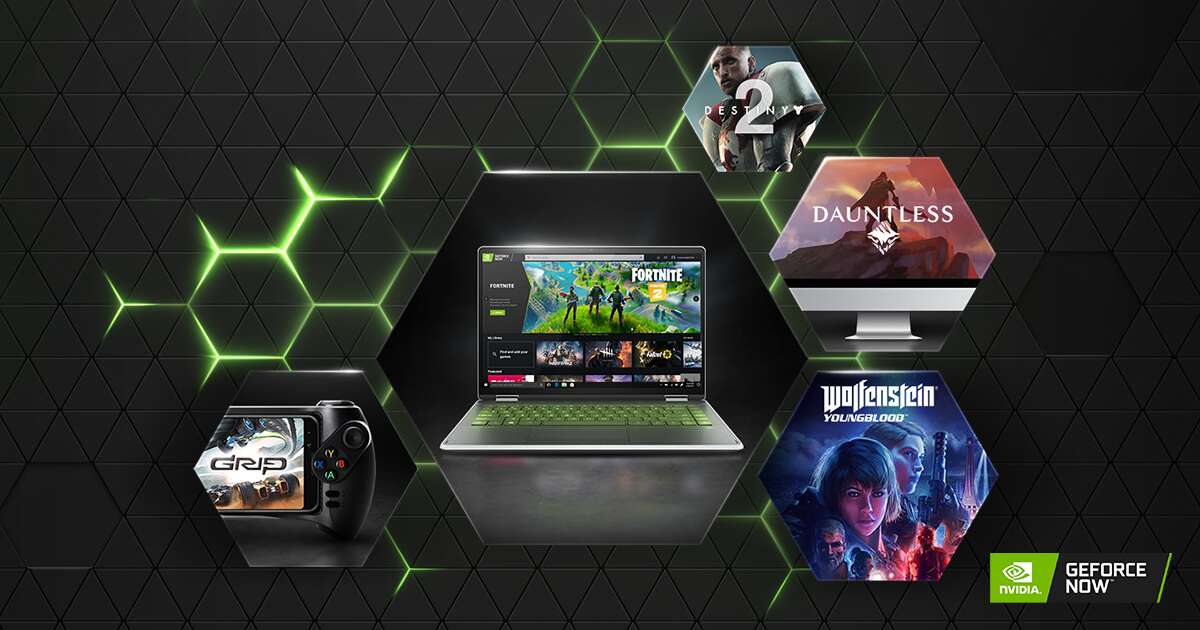
    In recent years, however, it has become harder to play the game on mobile devices, which has limited its availability. Luckily, NVIDIA’s GeForce NOW cloud gaming service lets you play Fortnite on your phone or tablet.

    Before you can use GeForce NOW, you have to sign up for one of the three types of membership: Free, Priority, or Ultimate. Each type of membership has its own set of benefits and features, like being able to get into game servers faster, playing for longer, and getting better performance.

    Play Fortnite Anywhere: How to Use GeForce NOW Cloud Gaming Service

    After signing up, you’ll need to make sure that your internet speed is at least 15 Mbps for 720p at 60 FPS and that your latency from an NVIDIA data center is less than 80 milliseconds.

    Once you’ve signed up and met the requirements, you can log in to your NVIDIA account and access Fortnite through a supported web browser or the GeForce NOW app on a supported platform.

    The service works with a variety of controllers, including the Sony DualShock 4 (PS4) controller, the Sony DualSense (PS5) controller, and the Microsoft Xbox Wireless controller. Mobile users can also play the game by touching the screen.

    When you play Fortnite on GeForce NOW, you can sync up with your existing Fortnite progress, which is one of the best things about it. In the GeForce NOW settings, you will need to link your Epic account to your NVIDIA account. This means that you can pick up where you left off on any device, whether it’s a phone or a computer.

    It’s important to know that when you use GeForce NOW on a mobile device, not all game modes are available. Save the World is one game that can’t be played on phones or tablets. But all of the other game modes are available and can be played without any trouble.

    There have been fewer ways to play Fortnite on mobile devices in recent years, but there is a way for people to play the game without downloading it. GeForce NOW makes it easy and convenient to play Fortnite on a variety of devices.

    It also syncs up with your existing Fortnite progress, which is a nice bonus. You can join the millions of people around the world who play Fortnite regularly if you have fast enough internet and a controller that works with it.

    Fortnite GeForce
    Share. Facebook Twitter Pinterest LinkedIn WhatsApp Reddit Email
    Previous ArticleFIFA 23 Pro Takes a Stand Against Racism in Gaming
    Next Article EG’s Nightmare Continues: International Losing Streak Haunts CS:GO Roster
    Cecil Sales
    • Website

    Related Posts

    Starting Out in Fortnite? Here’s What You Need to Know

    January 4, 2024

    How Kai Cenat Broke Ninja’s Twitch Record

    January 4, 2024

    From Swash-Buckling Adventures to Mind-Bending Escape Rooms: The Top Maps on Fortnite Creative 2.0

    January 3, 2024

    Late To Fortnite? Fortnite Building for Beginners Guide!

    January 2, 2024

    Ninja Banned on TikTok Live for Glizzy Overdrive Parody

    September 29, 2023

    Fortnite: 10 HUGE Essential Tips For Players To Get To the Next Level!

    September 15, 2023
    Add A Comment
    Leave A Reply Cancel Reply

    Editors Picks
    Top Reviews
    Our Picks
    • Facebook
    • Twitter
    • Pinterest
    • Instagram
    • YouTube
    • Vimeo
    Don't Miss
    Gaming

    Mario & Zelda Legend Shigeru Miyamoto Ruthlessly ROASTS His Own Child For Failing At Mario 64: “Does This Kid Have Any Brains?”

    By DanarqhyDecember 22, 2024

    The legendary Shigeru Miyamoto, the mastermind behind iconic franchises like Super Mario and The Legend…

    Asmongold Predicts Career-Ending Fallout for Haliey Welch Following Disturbing “Hawk Tuah” Coin Controversy

    December 22, 2024

    Once Obscure Marvel Charcter Jeff the Land Shark To Join Marvel Rivals

    December 21, 2024

    xQc ROASTS Kai Cenat As Nasty Feud Escalates: “I Have AMP’s Entire Net Worth on a USB Stick”

    December 21, 2024
    About Us
    About Us

    Gamiux is a top source for gaming and eSports news, tutorials, how-tos, reviews, and much more.

    Facebook X (Twitter) Instagram YouTube
    Latest News
    New Comments
      Facebook X (Twitter) Instagram Pinterest
      • Home
      • About
      • Contact
      • Privacy Policy
      • Authors
      © 2026 Gamiux. All Rights Reserved.

      Type above and press Enter to search. Press Esc to cancel.